

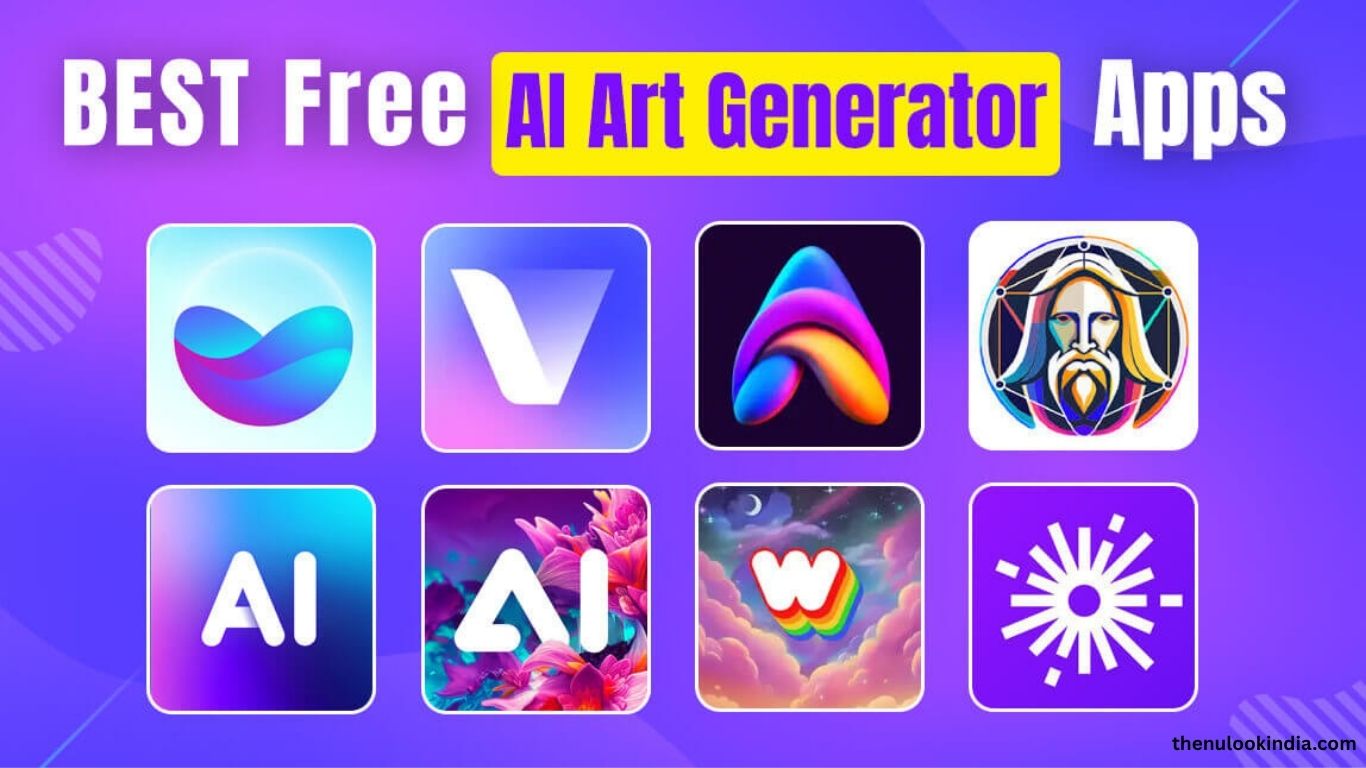
AI image generators are redefining creativity, allowing anyone to turn simple text prompts into stunning visuals. In 2025, these tools are more advanced, user-friendly, and versatile, serving artists, marketers, and hobbyists alike. Here’s a look at the best AI image generator apps this year, featuring their top strengths, unique tools, and pricing to help you choose the right one for your creative goals.
AI image generators are redefining creativity, allowing anyone to turn simple text prompts into stunning visuals. In 2025, these tools are more advanced, user-friendly, and versatile, serving artists, marketers, and hobbyists alike. Here’s a look at the best AI image generator apps this year, featuring their top strengths, unique tools, and pricing to help you choose the right one for your creative goals.
Midjourney
Midjourney continues to dominate the scene with its lifelike and artistic visuals. Known for exceptional detail and realism, its latest version (6.1) delivers smoother skin textures and faster results through its web and Discord interfaces. It’s ideal for crafting complex scenes and human portraits.
Key Features: Detailed parameter control, high-quality outputs, and a vibrant creative community.
Pricing: Starts at $10/month (~200 images) with commercial rights.
Best For: Artists and designers seeking cinematic, professional-quality visuals.
DALL·E 3
Built into ChatGPT, OpenAI’s DALL·E 3 offers intuitive, conversational image generation powered by GPT-4o. It excels at producing vivid, text-rich visuals, perfect for both beginners and pros. Integration with Microsoft’s Bing Image Creator makes it highly accessible.
Key Features: Interactive prompt refinement, accurate text rendering, and style editing tools.
Pricing: Free via ChatGPT or Bing Image Creator; full access with ChatGPT Plus ($20/month).
Best For: Users wanting seamless, high-quality image creation within their workflow.
Read more: How to Do My Fake Boyfriend Filter using AI
Adobe Firefly
Adobe Firefly is a trusted choice for professionals, trained on Adobe Stock to ensure copyright-safe content. Integrated into Creative Cloud, it offers tools like Generative Fill and Expand for powerful editing and image creation.
Key Features: Photoshop integration, safe commercial outputs, and vector generation tools.
Pricing: Free basic version; premium access via Creative Cloud from $10/month.
Best For: Designers and marketers needing professional, editable images for commercial use.
Top AI Image Generators to Try in 2025
AI image tools continue to redefine digital creativity, helping users turn ideas into stunning visuals in seconds. Here are the leading AI image generators of 2025—each offering unique features, pricing, and creative advantages.
Ideogram
Ideogram excels at generating visuals with clean, accurate text. Its Magic Prompt feature enhances user input for refined results, and version 2.0 rivals industry leaders like Midjourney. The intuitive web interface makes it ideal for both beginners and professionals.
Key Features: Advanced text rendering, Magic Prompt, and built-in editing tools.
Pricing: Free with 10 credits/day; paid plans start at $8/month for 400 priority credits.
Best For: Designers and social media creators needing precise, text-focused visuals.
Leonardo.AI
Leonardo.AI offers diverse pre-trained styles, real-time canvas editing, and sketch-to-image options. Loved by game developers and digital artists, it produces consistent characters and hyper-realistic scenes.
Key Features: Custom model training, AI Upscaler, and Magic Eraser tools.
Pricing: Free with 150 daily tokens (~8 images); paid plans from $10/month.
Best For: Game developers and artists seeking customizable, high-quality designs.
Stable Diffusion (via DreamStudio)
Stable Diffusion remains the go-to open-source model for flexible, fast image generation. Through DreamStudio, users can create unique visuals, integrate APIs, or run the model locally for full control.
Key Features: Open-source flexibility, background removal, and precise inpainting.
Pricing: Free limited credits; DreamStudio starts at $10 for 1,000 credits.
Best For: Developers and tech users seeking customizable, budget-friendly results.
Canva (Magic Media)
Canva’s Magic Media brings AI generation to its famous drag-and-drop interface. With Text-to-Image and Dream Lab tools, it’s perfect for quick branding or social media visuals. Privacy-focused policies protect your creations.
Key Features: Easy design integration, varied art styles, and private outputs.
Pricing: Free with 50 daily credits; Canva Pro starts at $12.99/month.
Best For: Beginners and small businesses enhancing designs with AI.
Flux.1
Flux.1 is a rising open-source alternative known for lifelike lighting, reflections, and speed. It delivers photorealistic results comparable to premium tools—without the high cost.
Key Features: Open-source design, realistic rendering, and script customization.
Pricing: Free with manual setup; paid access via third-party platforms.
Best For: Budget creators and developers wanting professional visuals.
NightCafe
NightCafe combines creativity and community, supporting models like Flux, DALL·E 3, and Stable Diffusion. Its credit-based system and vibrant style options make it ideal for exploring artistic or abstract visuals.
Key Features: Multi-model support, active community, and style presets.
Pricing: Free with 5 credits; plans from $4.49/month for 100 credits.
Best For: Hobbyists experimenting with diverse artistic styles.
Google Imagen 3
Google’s Imagen 3 offers fast, high-quality results directly from the Google app or Gemini. Its expressive chips feature helps refine variations effortlessly, though its strong safety filters may limit creativity.
Key Features: Free access, quick rendering, and responsible watermarking.
Pricing: Free; Gemini Advanced plan at $19.99/month for premium tools.
Best For: Beginners seeking free, realistic image generation.
Pro Tips for Best Results
- Write clear prompts: Include details like lighting, style, and setting.
- Check for bias: Review outputs and refine when necessary.
- Disclose AI use: Always note “Generated by [Tool Name].”
- Verify licensing: Review each platform’s commercial-use policy.
Frequently Asked Questions
What is an AI image generator?
An AI image generator is a tool that creates visuals from text prompts using machine learning models. You simply describe what you want—like “a futuristic city at sunset”—and the AI generates a matching image.
Which AI image generator is best for beginners?
Tools like Canva (Magic Media) and Google Imagen 3 are perfect for beginners thanks to their simple interfaces, free access, and quick results.
Can I use AI-generated images for commercial purposes?
Yes, but it depends on the platform. Adobe Firefly and Midjourney (paid plans) allow commercial use, while others may have restrictions. Always check each tool’s licensing terms before publishing or selling AI-created content.
Are AI image generators free to use?
Most platforms offer free versions with limited credits or lower resolution outputs. Premium plans, such as DALL·E 3 Plus or Leonardo.AI, unlock higher quality and faster generation.
How can I get the best results from AI image generators?
Use clear, detailed prompts that describe style, lighting, and composition. For example: “a cinematic portrait of a samurai in rain, 4K resolution, dramatic lighting.” Adding specifics helps the AI deliver more accurate and visually appealing results.
Conclusion
AI image generators have revolutionized visual creation, empowering anyone—from artists to marketers—to design high-quality images with ease. In 2025, tools like Midjourney, DALL·E 3, and Adobe Firefly lead the way, offering speed, customization, and commercial-ready results. Whether you’re crafting social media content, game art, or marketing visuals, there’s an AI tool perfectly suited to your needs.
