

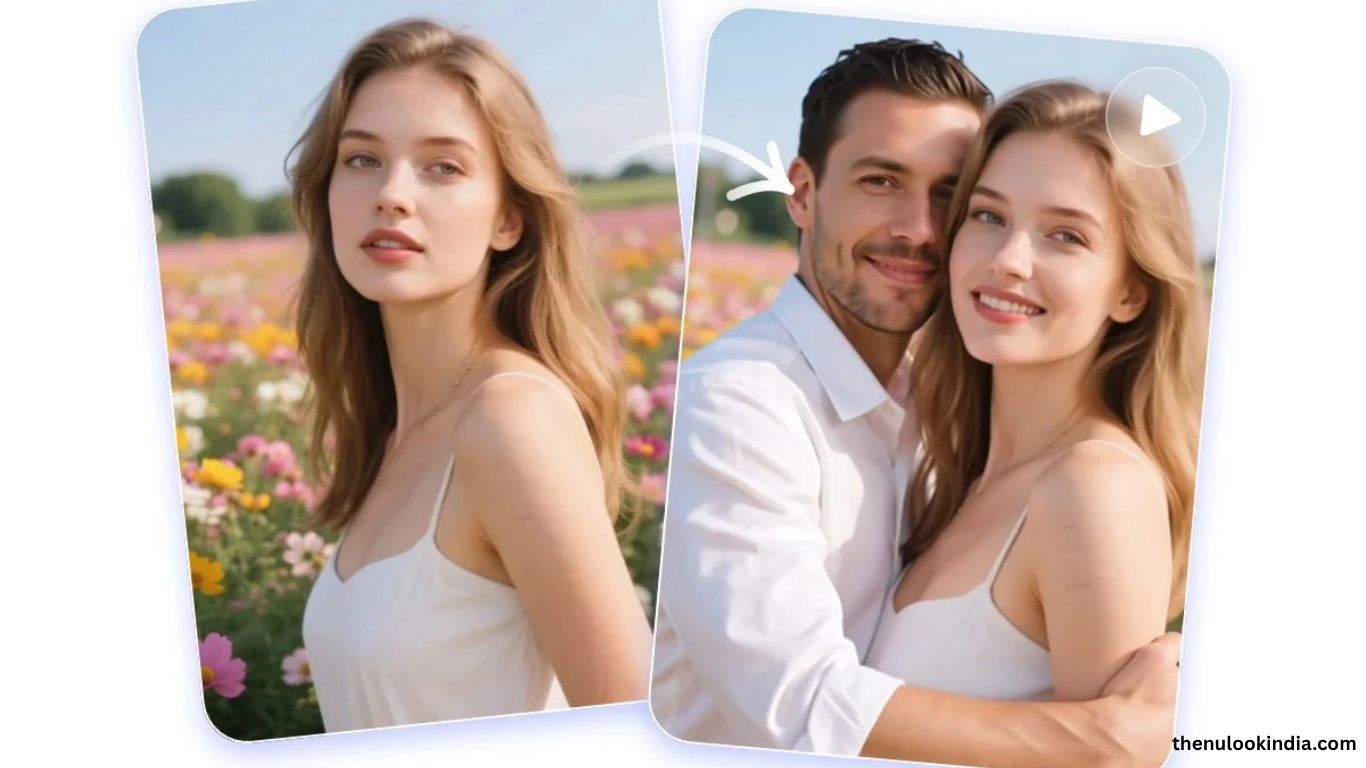
Fake Boyfriend Filter is a fun viral trend where users design an AI-generated partner that looks, talks, or even acts like a real boyfriend. With today’s AI tools, you can easily create images, voices, and even chat personalities—no coding required. This guide walks you through the process step by step, using beginner-friendly platforms like Stable Diffusion, Replika, and RunwayML.
What You’ll Need
- Basic familiarity with online AI platforms (no coding needed).
- A computer or smartphone with internet access.
- Optional accounts: Hugging Face, RunwayML, or Replika.
- Optional: video editing software (CapCut, iMovie) for final touches.
Define Your Vision
Before generating anything, decide what your “fake boyfriend” looks and acts like:
- Appearance: Hair, eyes, outfit, vibe (casual, stylish, etc.).
- Personality: Funny, romantic, adventurous?
- Voice (optional): Deep, playful, accented?
- Example: “A 25-year-old man with short black hair, blue eyes, wearing a leather jacket, witty and romantic.”
Read more: Best AI Girlfriend Apps & Websites for AI GF in 2025 [FREE Download]
Generate the Boyfriend’s Image
Bring your idea to life with an AI image tool:
- Platforms: Stable Diffusion (free), RunwayML (easy to use), MidJourney (stylized results).
- Prompts: Describe your character in detail. Example: “25-year-old man, short black hair, blue eyes, leather jacket, realistic style, smiling.”
- Refine: Generate multiple images, adjust realism or style, and use editing features to tweak details.
- Save: Download your favorite image in high resolution.
Add Personality with a Chatbot
Make your fake boyfriend “talk” using a chatbot:
- Platforms: Replika (AI companion), Character.AI (custom characters), Hugging Face (free models).
- Customization: Enter personality traits like “witty, romantic, adventurous.”
- Train: Chat regularly to shape responses.
- Test: Have sample conversations and fine-tune until it feels natural.
Step 4: (Optional) Give Him a Voice
Add a realistic voice with AI text-to-speech tools:
- Tools: ElevenLabs, Murf.ai.
- Scripts: Use chatbot responses like “I planned a surprise date for us!”
- Choose a Voice: Match your character’s personality—deep, warm, or playful.
- Export: Save audio clips for later use.
Build the Filter
Now combine image, voice, and text into a filter or video:
- Social Media AR Filters: Use Spark AR Studio (Instagram) or Lens Studio (Snapchat). Upload the boyfriend’s image, sync voice, and add animations.
- Video Editing Alternative: Use CapCut/iMovie to overlay the image on a scene, add voice clips or chatbot text as subtitles.
- Refine: Adjust timing, transitions, and effects until it feels smooth.
Share Your Creation
- On Social Media: Upload to Instagram, TikTok, or Snapchat with hashtags like #FakeBoyfriendFilter.
- With Friends: Share clips directly via messaging apps.
- Bonus: Post a tutorial on YouTube to inspire others.
Tips for Success
Keep it lighthearted and creative.
- Don’t use real people’s likeness without consent.
- Experiment with different looks (e.g., anime style).
- Stay safe and avoid oversharing personal info.
Ethical Considerations
- Be transparent—it’s AI-generated, not real.
- Use responsibly without misleading or harming others.
- Follow platform rules for filter creation.
Frequently Asked Questions
What is the Fake Boyfriend Filter?
It’s a viral AI trend where you create a digital boyfriend using tools that generate images, voices, or chat personalities.
Do I need coding skills to make one?
No. Most platforms like Stable Diffusion, RunwayML, and Replika are beginner-friendly and don’t require coding.
Is it free to create a Fake Boyfriend Filter?
Yes, you can use free versions of Stable Diffusion or Character.AI. Some advanced features may require a paid plan.
Can I use my Fake Boyfriend Filter on Instagram or TikTok?
Yes. You can upload it as an AR filter using Spark AR Studio or share it as a video edit on TikTok, Instagram, or Snapchat.
How do I make my fake boyfriend talk?
You can connect your character to a chatbot (like Replika or Character.AI) and use AI text-to-speech tools for a realistic voice.
Is it ethical to make an AI boyfriend?
Yes, as long as you are transparent that it’s AI-generated and avoid using real people’s likeness without consent.
Can I customize the look and personality?
Absolutely. You can define traits like hairstyle, fashion, personality, and even voice style to match your ideal vision.
Conclusion
Fake Boyfriend Filter is a playful way to explore AI’s creative side—whether for fun, social media trends, or experimenting with digital companions. With easy-to-use tools for image generation, chat personalization, and even voice creation, anyone can design their own unique “AI boyfriend.” Just remember to keep it lighthearted, respect privacy, and be transparent about your content. Have fun building your filter and sharing it with the world.
